Use the documented product and platform names
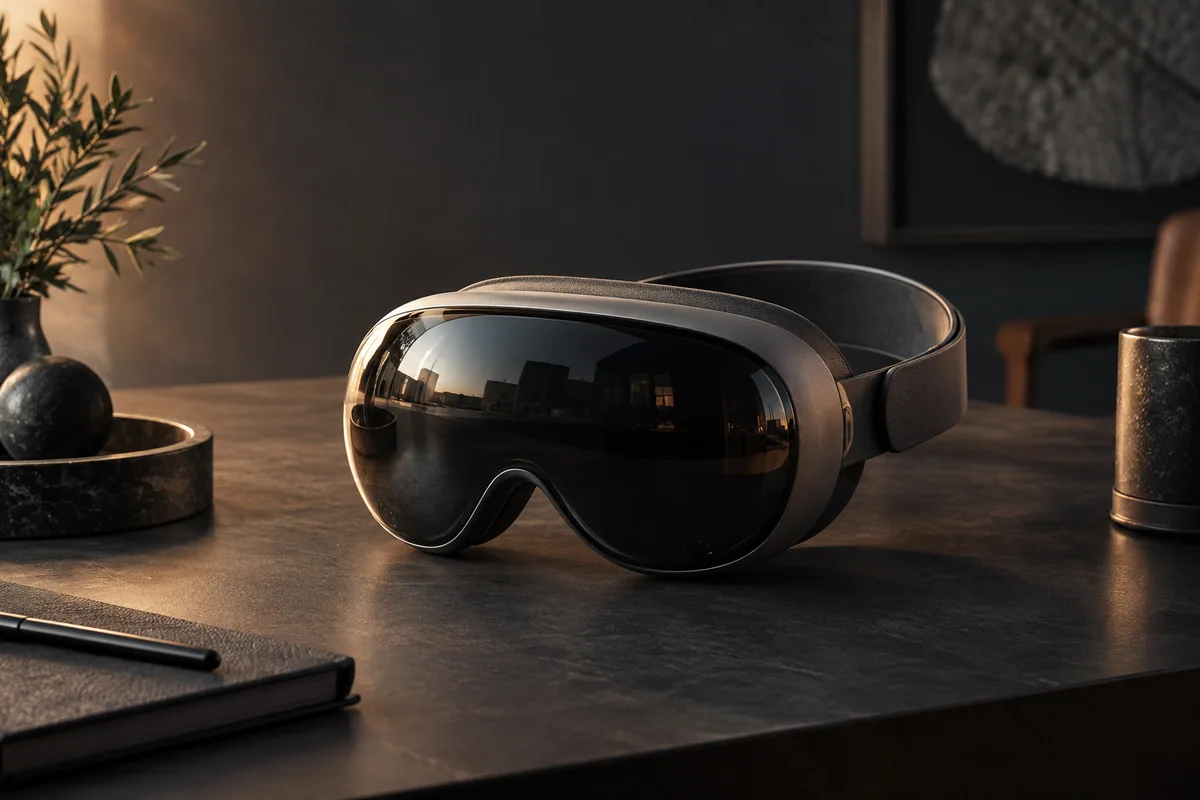
Apple announced an M5-equipped Apple Vision Pro in October 2025, alongside visionOS 26. That announcement does not support the earlier article's “Vision Pro 2,” “M5 Ultra” or “spatialOS 3.0” description. Apple announcement.
For a web developer, the important compatibility target is the actual browser and operating-system version on the device. A hardware specification does not establish support for every proposed WebXR feature.
WebXR support is feature-specific
WebKit documented immersive-vr support in Safari 18 for visionOS 2, including the transient-pointer interaction mode. This was a concrete browser milestone; it should not be rewritten as universal support for immersive-ar, room meshes, plane detection and persistent anchors. WebKit Safari 18 features.
Check support for the exact session mode and required features at runtime. Request a session from an appropriate user action and handle rejection. Keep the ordinary page functional when the requested mode is unavailable.
A WebXR anchor is not a Three.js scene object to which a mesh can simply be attached. The renderer must translate the relevant pose into the scene's coordinate system using the supported API. Use a maintained example for the selected feature rather than a fictional wrapper.
Respect the input privacy model
Apple explains that ordinary gaze highlighting is handled by the system without exposing continuous gaze to an application. Selection communicates the relevant action. Do not promise a website a stream of raw eye-tracking data merely because the device supports look-and-pinch interaction. Vision Pro privacy overview.
Design targets with adequate size, separation and clear feedback. A visible focus or selection state should not depend on a developer reading private gaze coordinates.
Build one bounded interaction
For an illustrative 3D product viewer, start with rotation, reset and a small set of named viewpoints. Keep product information and purchase controls available in ordinary HTML.
Define how the user enters and exits the immersive view, what happens when tracking is interrupted and whether the current selection survives returning to the page. Stop unused render loops and release session resources when the experience ends.
Spatial audio can communicate position, but a standard panner does not by itself provide a measured acoustic model of the user's room. Avoid representing an audio effect as access to undocumented environmental data.
Measure comfort and rendering separately
Record headset model, system version, browser, scene complexity and frame timing. Evaluate the complete interaction with representative users and respect reduced-motion preferences where applicable.
A high panel refresh rate does not guarantee that a particular scene renders at that rate or that nobody experiences discomfort. Similarly, a polygon count alone cannot establish performance; materials, transparency, resolution and draw calls matter.
This is a documentation-based integration guide. No headset experiment, personal purchase, measured tracking precision or frame-rate benchmark is claimed. The engineering goal is a useful spatial task with a dependable ordinary-screen path.

Sardar Mukhshaf
Full-Stack & DevOps Engineer
I build scalable web applications, secure backend systems, and production-ready cloud infrastructure. My engineering focus spans interface design, API architecture, deployment pipelines, and observability. Follow for more deep dives into system architecture, performance engineering, and emerging technologies.
More from the practice
Keep the useful ideas close.
Follow new articles with your preferred RSS reader.
Open the RSS feed ↗